
Deposit & Withdrawal money on the 88DD Game should be handled carefully. A small mistake in the account number, payment method, or transaction reference can cause an unnecessary delay. This guide explains how to add funds, request a withdrawal, check transaction records, and solve common payment problems using simple words. The available payment methods, limits, fees, and processing times may change. Always check the latest information inside the official 88DD app before sending money.
Important: Real-money gaming involves financial risk. A deposit does not promise profit, and a withdrawal is subject to the platform’s current rules. Use only an amount you can afford to lose, and never use borrowed or essential household money.
How Do 88DD Payments Work?
The 88DD wallet is the section where users can view their balance and payment activity. Registered users may add funds through a supported method and later request a withdrawal from an eligible available balance.
The payment process generally includes three parts:
- Select a supported payment method.
- Enter and confirm the transaction details.
- Wait for the payment status to update.
The exact options shown in your app can depend on its current version, your account status, and the payment services available in your region.
Payment Information at a Glance
| Payment Detail | What You Should Check |
|---|---|
| Deposit methods | View the currently listed options inside the app |
| Withdrawal methods | Confirm that your preferred method is supported |
| Minimum amount | Check the limit before entering a transaction |
| Maximum amount | Review daily or per-request limits |
| Processing time | Read the estimate displayed before confirmation |
| Service fee | Check whether any deduction applies |
| Account verification | Complete it when officially required |
| Transaction status | Track it through the wallet or records section |
Do not rely on an old screenshot for payment information. Limits and methods may be updated without remaining the same forever.
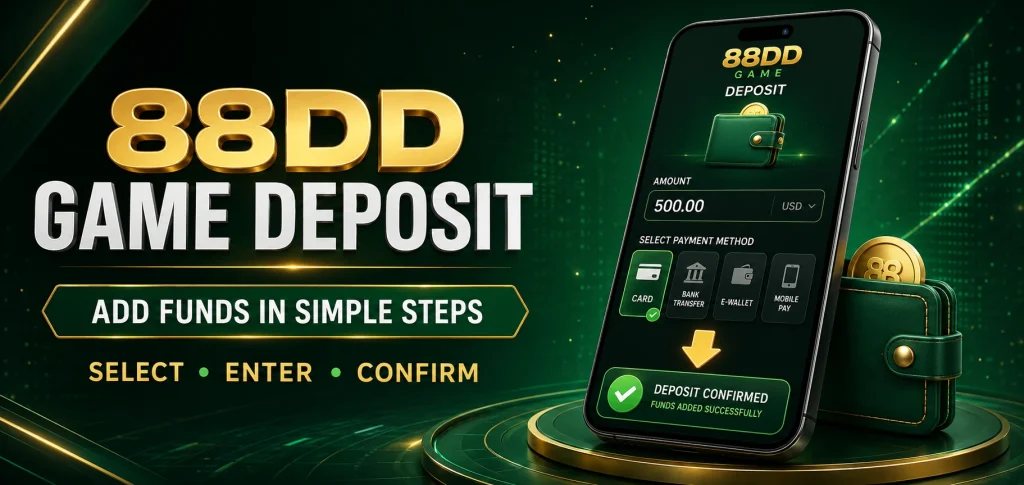
How to Deposit Money in the 88DD Game
Follow these steps carefully:
- Open the official 88DD application.
- Log in with your registered mobile number and password.
- Tap the Wallet, Deposit, or Add Funds option.
- Review the available payment methods.
- Select the method you want to use.
- Read the minimum and maximum deposit limits.
- Enter the amount carefully.
- Follow the payment instructions displayed on the screen.
- Recheck the receiving account or reference details.
- Complete the payment through your selected service.
- Save the transaction ID or receipt.
- Return to the app and submit the required confirmation.
- Wait for the balance or payment status to update.
Depositing Through Easypaisa
If Easypaisa appears as an officially supported option, the general process may look like this:
- Open the 88DD deposit section.
- Select Easypaisa.
- Enter your intended deposit amount.
- Copy the payment information shown on the screen.
- Open your Easypaisa application.
- Confirm the receiver’s details.
- Send the exact amount.
- Save the transaction ID.
- Return to 88DD.
- Enter the reference number if required.
- Submit the deposit request.
Depositing Through JazzCash
Deposit & Withdrawal When JazzCash is listed in the official app, follow the instructions shown with that option:
- Choose JazzCash from the payment methods.
- Enter a permitted deposit amount.
- Carefully note the receiving details.
- Open JazzCash on your phone.
- Review the receiver before sending.
- Complete the payment.
- Keep the transaction confirmation message.
- Return to the 88DD deposit page.
- Add the transaction reference when requested.
- Submit the confirmation.
If the name or number does not match the information displayed by the official app, stop and check with verified support before paying.
What Happens After a Deposit?
A completed transfer may not appear in the gaming wallet immediately in the same second. The platform may need time to match the payment with your account.
Check the transaction record for one of these statuses:
| Status | Meaning |
|---|---|
| Pending | The payment is still being checked |
| Successful | The deposit has been added |
| Failed | The transaction was not completed |
| Rejected | The request did not meet a requirement |
| Under review | Additional checking may be taking place |
Do not send a second payment immediately because the first one appears as pending. Wait for the displayed processing period or contact support with the original transaction reference.
How to Withdraw Money from 88DD
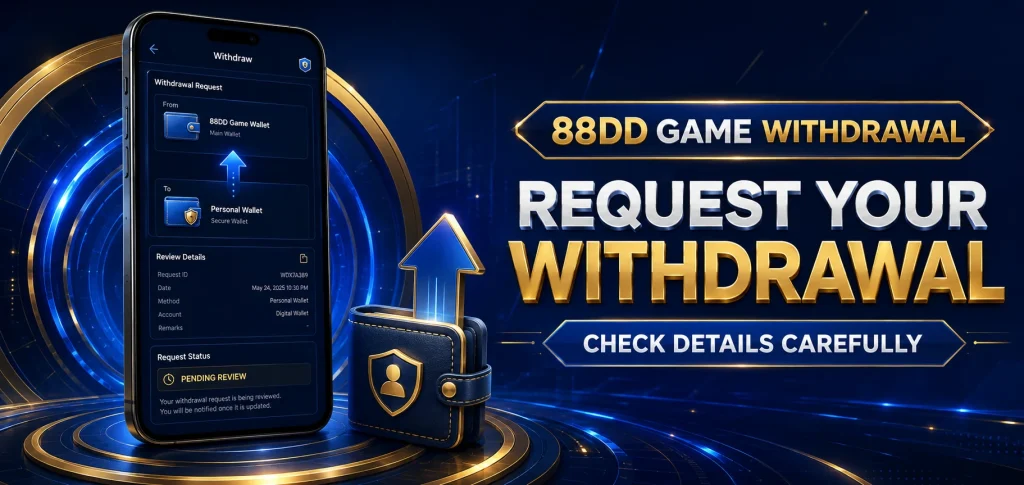
A withdrawal moves an eligible balance from the app to a supported personal payment account. Here is the general process:
- Open the 88DD app and log in.
- Go to Wallet or Withdraw.
- Select an available withdrawal method.
- Add your personal payment-account details.
- Make sure the account name and number are correct.
- Enter an amount within the current limits.
- Review any fee, verification, or turnover condition.
- Enter your withdrawal password or security code.
- Tap Submit or Confirm Withdrawal.
- Save the request number.
- Track the status through the transaction-history section.
Withdrawing Through Easypaisa or JazzCash
If either service is available inside the withdrawal menu:
- Select the supported mobile-wallet option.
- Enter the mobile number connected to your own wallet.
- Confirm the registered account name.
- Type the amount you want to withdraw.
- Check the final details twice.
- Enter the withdrawal password.
- Submit the request.
- Save a screenshot of the status page.
- Wait for the stated processing period.
- Check your mobile wallet after approval.
Deposit & Withdrawal Comparison
| Deposit | Withdrawal |
|---|---|
| Adds money to the gaming wallet | Moves eligible funds out of the gaming wallet |
| Begins in the Deposit section | Begins in the Withdrawal section |
| May require a payment reference | May require account verification |
| Usually uses a supported payment method | Must go to an accepted receiving account |
| Can activate certain promotions | May be affected by bonus conditions |
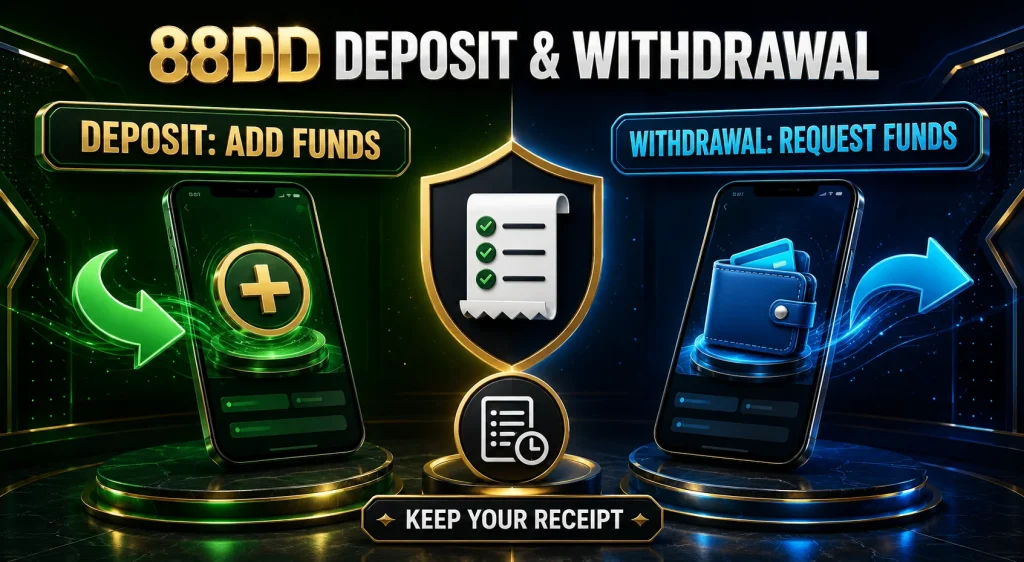
| Should be confirmed with a receipt | Should be tracked with a request ID |
Why Is Account Verification Required?
Deposit & Withdrawal Payment verification can help confirm that the person requesting a withdrawal owns the account. The platform may ask users to confirm their phone number, profile name, payment account, or other ownership information.
Only submit information through a verified official channel. Before uploading any sensitive document, read why it is required and how the platform says it will be stored and used. Never send identity documents, payment PINs, or OTP codes to a random WhatsApp or Telegram account.
Why Is My Withdrawal Pending?
A withdrawal may remain pending because:
- The request is still within its normal processing window.
- Account information needs confirmation.
- The entered payment details do not match.
- A promotion has unfinished turnover conditions.
- The amount is outside the current limit.
- Several requests were submitted close together.
- The payment service is experiencing a delay.
- The account is being reviewed for unusual activity.
Bonus Balance and Withdrawable Balance
A promotional bonus is not always the same as withdrawable cash. Some offers require users to meet a turnover condition before related funds become eligible for withdrawal.
Before accepting a bonus, check:
- The required deposit
- Turnover or wagering requirement
- Eligible games
- Maximum withdrawal
- Promotion expiry date
- Excluded payment methods
- Account-verification rules
Common Payment Problems and Solutions
| Problem | What You Can Do |
|---|---|
| Deposit is not showing | Check the status and keep the transaction receipt |
| Wrong reference number entered | Contact official support with the correct receipt |
| Payment was sent to the wrong account | Contact the payment provider immediately |
| Withdrawal remains pending | Wait for the stated period, then ask support |
| Request is rejected | Review limits, profile details, and bonus conditions |
| Wallet number is incorrect | Correct it before submitting a new request |
| Account name does not match | Use a payment account registered in your own name |
| Withdrawal password is forgotten | Use the official recovery option |
| Balance is insufficient | Check available and bonus balances separately |
| Payment option is missing | Update the app and review currently supported methods |
Payment Safety Tips
Use the following habits to reduce avoidable problems:
- Deposit only through methods displayed in the official app.
- Check every number before confirming a transfer.
- Keep receipts and transaction IDs.
- Never share a payment PIN or OTP.
- Avoid strangers offering private deposit accounts.
- Do not use modified versions of the 88DD APK.
- Use a separate, strong withdrawal password.
- Review the transaction history regularly.
- Avoid payments over public Wi-Fi.
- Contact only verified customer support.
- Never borrow money for gaming.
- Stop when you reach your spending limit.
How to Contact Support About a Transaction
When contacting support, provide clear but limited information:
- Your 88DD username or registered number
- Transaction date
- Deposit or withdrawal amount
- Payment method
- Transaction or request ID
- Current payment status
- A receipt with unrelated sensitive details hidden
Responsible Money Management
Deposit & Withdrawal should come from a fixed entertainment budget. Decide the limit before opening the app and do not increase it because of a loss.
Keep these simple rules in mind:
- Gaming is not guaranteed income.
- Previous losses do not promise a future win.
- A bonus is not always immediately withdrawable.
- Never spend money reserved for food, rent, education, or bills.
- Do not use loans or borrowed funds.
- Take a break when decisions become emotional.
- Ask for help if gaming begins harming your finances or well-being.
Final Words
Deposit & Withdrawal on 88DD process can be easier when every detail is checked before confirmation. Use only the payment methods shown inside the official app, keep transaction records, and make sure your profile matches your personal payment account.
If a transaction is delayed, avoid submitting repeated requests. Check its status, wait for the stated processing time, and contact verified support with the correct reference number. Most importantly, remember that depositing money carries risk. Set a strict budget, read bonus and withdrawal conditions, and never consider a gaming app a dependable source of earnings.
Frequently Asked Questions
How can I deposit money in the 88DD Game?
Log in, open the deposit section, select an officially supported method, enter the amount, follow the payment instructions, and save your transaction receipt.
Can I deposit through Easypaisa?
Use Easypaisa only if it appears as a supported method in your current 88DD app. Follow the instructions shown on the official payment screen.
Does 88DD support JazzCash?
Payment options can change. Check the live deposit and withdrawal menus to confirm whether JazzCash is currently available.
What is the minimum deposit amount?
The minimum may change by payment method or app version. Check the limit displayed before confirming your transaction.
How long does a deposit take?
Processing time can vary. Follow the estimate shown inside the app and keep your payment reference until the balance is updated.
How do I withdraw from 88DD?
Open the withdrawal section, choose a supported method, enter your personal payment details and amount, review the conditions, and submit the request.
Why is my deposit still pending?
The payment may still be matching with your account. Check the reference number and wait for the displayed processing period.
Why was my withdrawal rejected?
Possible reasons include incorrect details, account-verification requirements, unfinished bonus conditions, or an amount outside the current limits.
Can I withdraw a bonus immediately?
Not always. A bonus may have turnover, game, deposit, or expiry conditions that must be completed first.
Can I use another person’s Easypaisa account?
Using an account belonging to someone else may create verification problems. A personal payment account matching your profile is generally safer.
What should I do if I enter the wrong wallet number?
If the transaction has not been submitted, correct the number. If it has already been sent, contact the payment provider and official 88DD support immediately.
Does a deposit guarantee that I will earn money?
No. Real-money gaming can result in loss, and no deposit can guarantee profit.
Should I share my OTP with support?
No. Keep your OTP, payment PIN, login password, and withdrawal password private.
Where can I see my payment history?
Open the wallet, transaction record, or account-history section of the official application.
What should I do if money leaves my wallet but does not appear in 88DD?
Keep the receipt, check the transaction status, wait for the normal processing period, and contact verified support with the reference ID.
Can I cancel a withdrawal request?
Cancellation availability depends on the current status and platform rules. Check the transaction page or contact official support promptly.
Are there withdrawal fees?
A fee may apply depending on the payment method. Review the amount shown before confirming the request.
Why must my account be verified?
Verification can help confirm account ownership and reduce unauthorised withdrawals. Complete it only through official channels.
Is it safe to deposit through a number sent on WhatsApp?
Do not send money to an unverified number. Use only the payment details currently displayed in the official application.
How can I keep my payments safer?
Use official methods, confirm every detail, protect your passwords and OTPs, keep receipts, and maintain a strict spending limit.